
SpriteFuse MCP Server
Give your AI agent the tools to create a character, animate a move, and export your sprites. Keep the conversation where you build your game.
Remote MCP URL
https://spritefuse.com/api/mcpStreamable HTTP · OAuth · Sign in with your SpriteFuse account
11 tools for your account, sprites and animation workflow.
Connect once. Start with a simple question.
- Add the remote server. In a client that supports remote MCP with OAuth, add the URL above as a custom server.
- Authorize your account. Sign in with Google and review the requested SpriteFuse permissions before connecting.
- Check what is available. Ask your agent to read your capabilities and balance. Your first check does not generate an image.
Your first message
Read my SpriteFuse capabilities and Credit balance. Tell me which sprite operations are available. Do not generate an image yet.Paste this into your connected client. The page does not send requests on your behalf.
Work on the move your game is missing
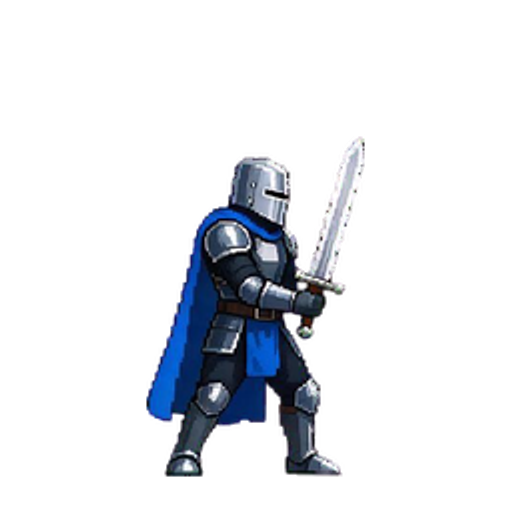
Ask for a character’s idle, a sword attack or a spell in its saved project. Your agent can find the character you already made, submit the next action and check when the result is ready.
“Find my forest knight project. Create an eight-frame sword attack, spend at most 10 Credits, and show me the result when it is ready.”
Review the animation, then ask for a revision if its appearance needs work. Timing changes save individual frame durations without another image generation. When you have chosen a version, the export tool returns a ZIP link with PNG frames, a sprite sheet, a GIF preview and animation metadata.
From a saved project to an exported animation
The SpriteFuse MCP server exposes the same character, animation and revision operations as the REST API. Your agent can inspect owned projects and previous tasks, use a private reference image, cancel a task when cancellation is still possible, and return completed files.
Generation is asynchronous: the agent receives a task ID and checks that task for its result. It should keep the original idempotency key when recovering a submission instead of creating a second paid task.
Explore all 11 MCP tools
get_capabilities- Available operations and input limits
get_account- Your balance, permissions and budget
create_sprite_job- Create a character, animation or revision
get_sprite_job- Check one task and its completed result
list_sprite_jobs- Find your previous tasks
cancel_sprite_job- Request cancellation of an active task
list_projects- Find a saved character project
list_assets- Find your sprites and animation versions
create_reference_upload- Prepare a private image upload
update_animation_timing- Save individual frame durations
export_sprite- Get an animation ZIP download link
Your account. Your Credit ceiling.
Tell the agent the maximum Credits it may spend on each generation. Every create request requires that ceiling and uses your existing SpriteFuse balance. Your account’s daily budget provides a second limit; timing changes and exports use no generation Credits.
The developer portal shows connected clients and lets you disconnect them. You choose the permissions during authorization, and the agent works with your own projects and assets.
The launch policy allows one unfinished generation per account and 30 accepted tasks per UTC day. The default daily budget is 100 Credits, adjustable up to 1000 in the portal. New accounts receive 50 trial Credits, valid for 30 days, for personal, non-commercial evaluation.
Before you connect
Do I need to install a local server?
No. SpriteFuse hosts a remote Streamable HTTP server. Your client must support remote MCP and OAuth authorization. Availability of custom servers in ChatGPT, Claude or another host depends on that host’s account features and workspace policies; follow its current setup guide.
Can I give my agent an API key instead?
The remote MCP endpoint uses OAuth. For a custom integration that uses a scoped API key, call the REST API instead. Both routes use the same SpriteFuse account, projects and Credits.
Explore the REST APICan the agent read another account’s sprites?
Access is limited to the account you authorize and the permissions you approve. Projects, jobs, reference uploads and exports are checked against that owner. Download links expire, and disconnecting a client in the developer portal revokes its access and refresh tokens.
Can it generate terrain, music or 3D models?
This MCP server currently handles 2D characters, character animations and sprite revisions. For terrain, open the SpriteFuse Tileset Maker in your browser. Audio and 3D generation are outside this server’s tool set.
Open Tileset MakerGive your agent a sprite workflow
Add the server, authorize access, and check your account.
Prefer to write the requests yourself? Explore the API →