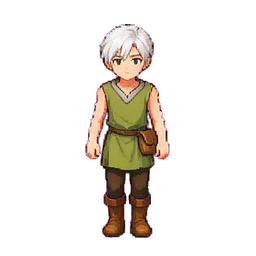
The forest ranger
A traveler for towns and trails
 SpriteFuse
Describe your character. Create a walking sprite sheet for RPG Maker or a custom action for your game.
12 frames · Transparent PNG
A FEW PLACES TO START
A town needs travelers. A dungeon needs creatures. A battle needs a readable strike. These SpriteFuse examples give each character a different task; load a prompt and make the design your own.
A traveler for towns and trails

A creature that takes the diagonal path
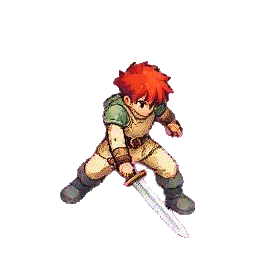
A compact strike for top-down combat

A battle action with time to unfold
CHOOSE THE RIGHT SHEET
Use the RPG sprite sheet generator to make a four-direction map character for RPG Maker MV or MZ. Choose eight-way movement or a battle action for a custom controller or compatible plugin. Each format has its own pose order and export layout.
Four-direction walks use the default map-character arrangement: three poses across and four facings down. Download a single-character PNG with its $ prefix and place it in img/characters. At 48 px per cell, the file is 144 × 192 px.
Keep the filename prefix, select the character image in your project, and check all four directions on a map. The engine reads the middle column as standing. Larger cells are supported, but your character’s apparent size should fit the surrounding tiles.
BUILD THE CAST, ONE ACTION AT A TIME
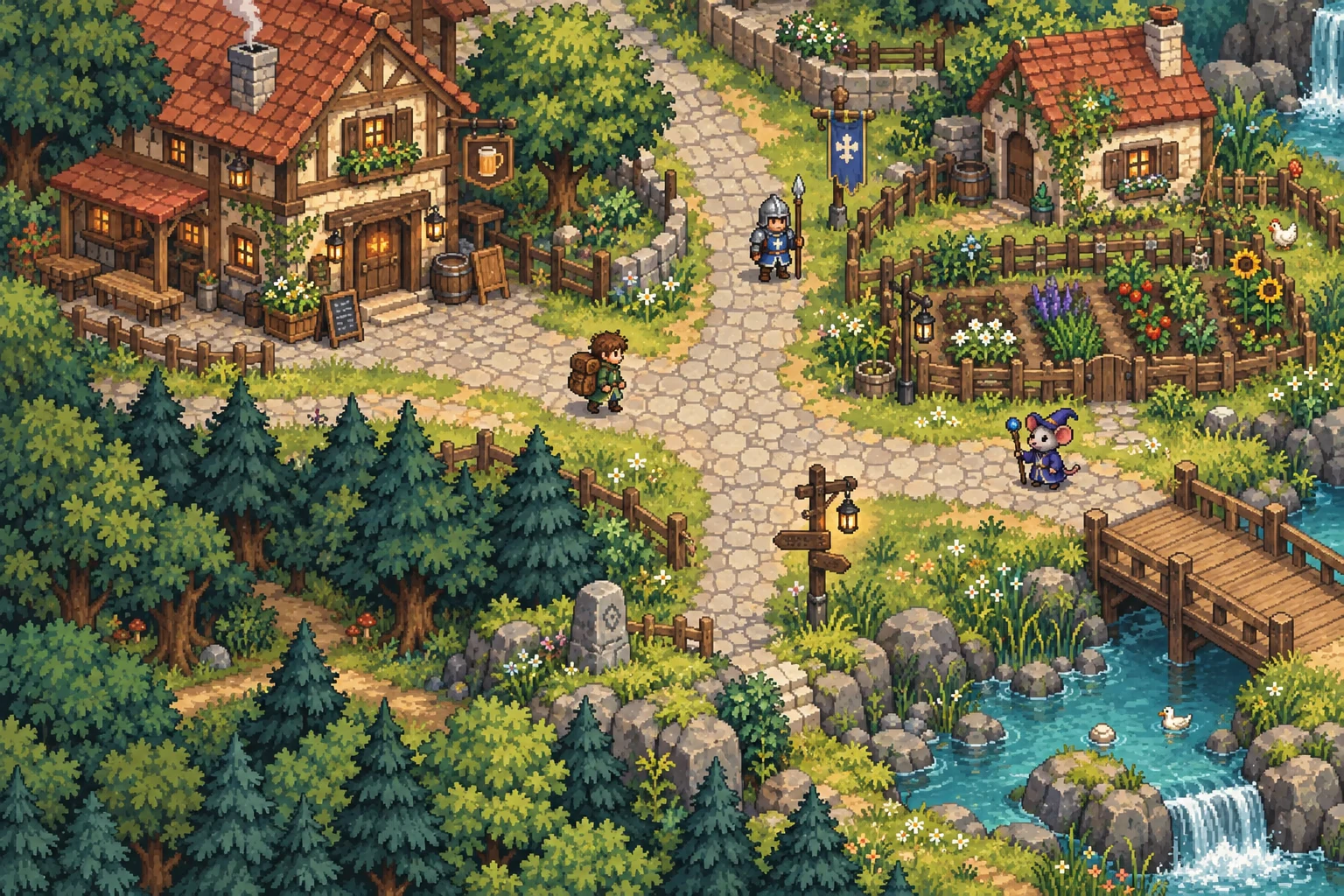
Think about the moment the player will see. A shopkeeper needs a quiet walk between stalls. A roaming creature needs a silhouette that reads on grass. A sword swing needs an obvious contact pose.
Describe the outfit, equipment and action that make that moment recognizable. Keep elaborate scenery out of the character request; transparent sprites belong on the maps you build. Add a reference when you want to carry an established design into its next action.
Start with the character designFROM DESCRIPTION TO GAME ASSET
Select a layout, describe the character and add a reference if you have one. For attacks, name the weapon and the motion.
Play each direction separately. Inspect standing poses, alternating feet and equipment. Swap misplaced frames or flip a wrong-facing pose before export.
Choose the cell size and download a PNG, or a ZIP with individual frames and layout JSON. Test the animation alongside your own map and characters.
A neat grid does not guarantee a correct pose. AI can change a facing, an accessory or a step. The review controls help with ordering and mirroring; redraws and detailed cleanup may still need a new revision or an image editor.
BEFORE YOUR NEXT GENERATION
Yes. New accounts receive starter credits to try the RPG sprite maker. You can also preview and download a sample character sheet before signing in. Free generations are for personal, non-commercial evaluation; commercial use requires payment.
Commercial use requires payment. Free generations are for personal, non-commercial evaluation. Review the pricing and terms before putting an exported character in a commercial game. A paid plan does not clear rights to a character, logo or reference image that belongs to someone else.
The battle option creates one 12-frame action. A default MV/MZ side-view actor sheet contains 54 cells covering multiple motions, so a single battle result cannot replace that full file. Export the action for your own combat setup, or arrange the required motions separately in an image editor.
Add one clear, full-body PNG, JPEG or WebP reference up to 2.5 MB. Include important clothing, equipment and colors in the description. A reference guides a new image; it does not guarantee identical pixels or details. If you have not settled the design yet, start with a still character before making its movement set.
You do not need to generate them again. Convert an animated GIF into a sheet, or cut an existing regular-grid sheet into individual PNGs. Those tools preserve an existing animation workflow instead of inventing new poses.
No. Export size resizes the existing cells with smoothing disabled. A smaller file can lose fine details, and making it larger does not add detail. Inspect the character at its actual in-game size; use a pixel editor when you need a precise palette or hand-tuned edges.
The page can reopen a saved job after sign-in. If the first response was lost, use Recover request to check the same request rather than creating another one. You can also open Projects to inspect saved work. Review a failed or canceled request before starting a new generation.
Start with a four-way walk, or build the movement your combat needs.
Create an RPG sprite sheet Need a different animation? Try the general sprite sheet generator.